Cross Subsidy Program OTP Not Received Issue and Solution
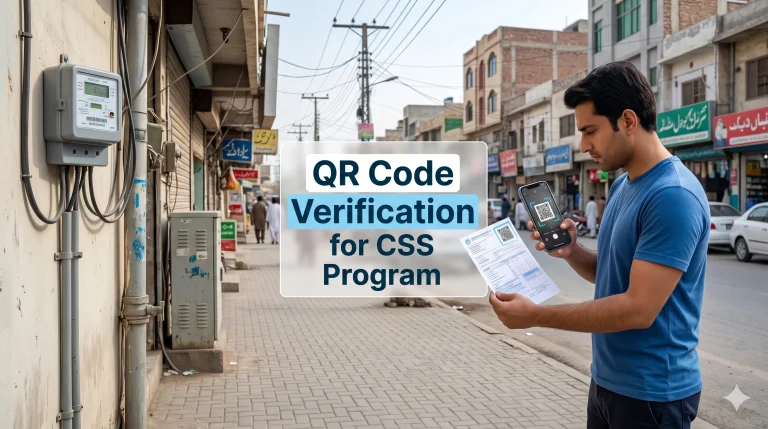
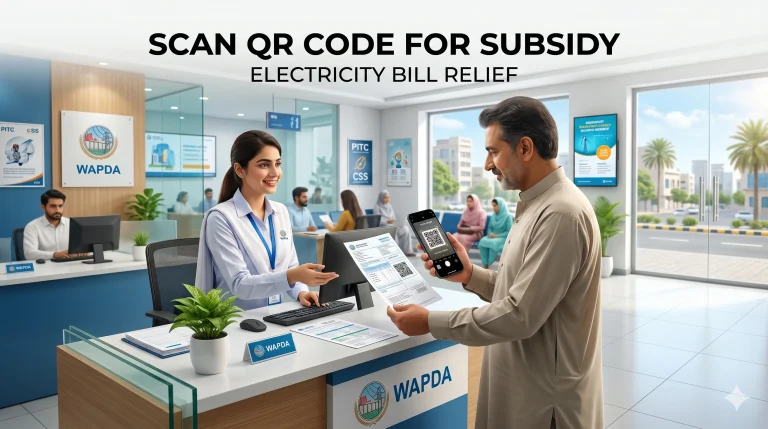
The government has launched the Cross Subsidy Electricity Program to provide financial relief on monthly electricity bills for eligible households in Pakistan. To make the process digital and easy, applicants can now scan a QR code and register online through the official CSS PITC portal.
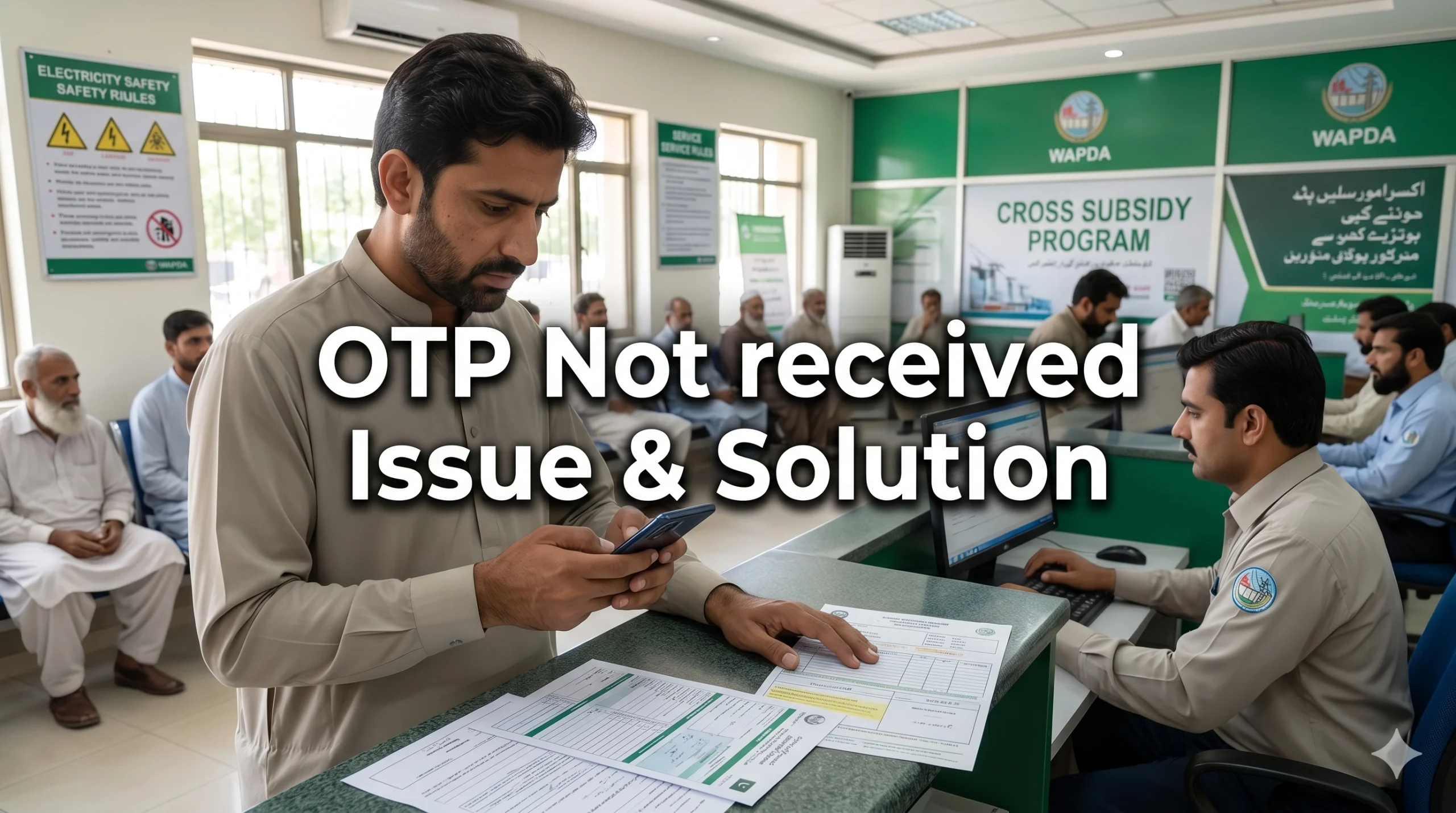
However, many users are facing a major roadblock during registration , they are not receiving the OTP (One-Time Password) on their mobile phones. Without this OTP, you cannot complete your verification or submit your application.
If you are stuck on the verification screen waiting for a code, this guide will explain exactly why this happens and provide simple, step-by-step solutions to fix it.
Why Do You Need an OTP for the Cross Subsidy Program?
The Cross Subsidy Program uses an OTP to confirm your identity and secure your application. When you scan the QR code and enter your CNIC and mobile number, the CSS PITC system sends a temporary code via SMS.
This step proves that the mobile number belongs to a real person and helps prevent fake applications, ensuring that electricity relief reaches the deserving families who actually need it.
Common Reasons Why the Cross Subsidy OTP is Not Received
Before you can fix the problem, it is important to understand why the SMS is failing to reach your inbox. Here are the most common reasons:
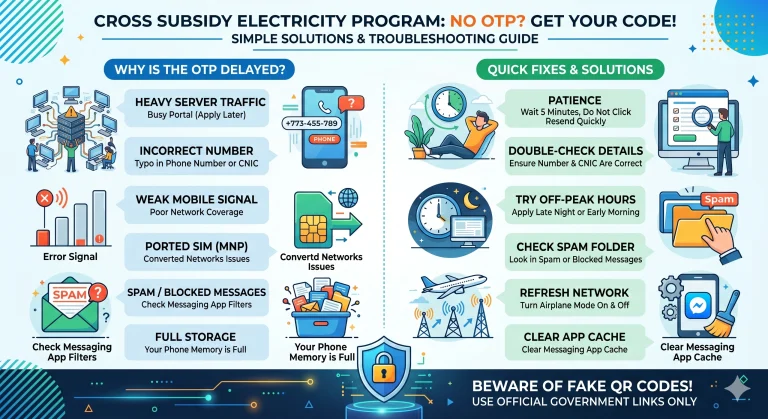
- Server Overload: Millions of people are trying to apply for the electricity subsidy at the same time. This heavy traffic can cause the CSS PITC system servers to slow down, delaying the OTP delivery.
- Weak Mobile Network: If you are in an area with a poor mobile signal, your phone may struggle to receive SMS messages promptly.
- Incorrect Mobile Number: A simple typing mistake while entering your phone number means the OTP is sent to the wrong person.
- Converted Networks (MNP): If you have ported your SIM card from one network to another (for example, moving from Ufone to Zong while keeping the same number), automated government SMS systems sometimes fail to route the message correctly.
- SMS Spam Filters: Your smartphone’s messaging app might mistakenly identify the automated government SMS as spam and hide it in a blocked folder.
- Full Inbox Storage: If your phone’s memory is completely full, it will reject any new incoming messages.
How to Fix the OTP Issue Step-by-Step Solutions
If you have scanned the QR code but the OTP is not arriving, do not panic. Try these simple troubleshooting steps to get your code and finish your application.
1. Wait Before Requesting a New Code
When the CSS PITC portal is busy, the OTP can take up to 5 minutes to arrive. Do not click the “Resend OTP” button repeatedly. Clicking it too many times can confuse the system and temporarily block your number. Wait at least 3 to 5 minutes before asking for a new code.
2. Double-Check Your Entered Details
Look closely at the screen. Did you type your 11-digit mobile number correctly? Ensure the number you entered is active, currently in your phone, and registered under the exact CNIC you are applying with.
3. Apply During Off-Peak Hours
Because portal traffic is the biggest cause of OTP delays, try registering at a different time. Apply late at night (after 11:00 PM) or early in the morning (before 8:00 AM). The servers are much faster during these hours.
4. Check Your Spam or Blocked Folder
Open your mobile messaging app and check the settings. Look for a folder named “Spam,” “Junk,” or “Blocked Numbers.” Sometimes, Android and iPhone systems filter out short-code numbers automatically.
5. Refresh Your Network Connection
Turn on Airplane Mode on your phone for 10 seconds, then turn it off. This forces your mobile phone to reconnect to the nearest cell tower, giving you a fresh, strong signal to receive the pending SMS.
6. Clear Message App Cache
If your phone is glitching, clearing the cache can help. Go to your phone’s Settings > Apps > Messages > Storage > Clear Cache. Restart your phone and try scanning the QR code again.
Important Safety Warning- Beware of Fake QR Codes
While you are trying to resolve your OTP issue, please stay safe from digital fraud. Scammers are now distributing fake QR codes on social media and WhatsApp, claiming they provide “instant subsidy approval.”
- Never scan a QR code sent to you by an unknown person on WhatsApp.
- Never enter your OTP on unofficial websites. The real portal is only accessible via official government links (like css.pitc.com.pk).
- Official systems will never ask you to pay a fee to receive your OTP or process your subsidy.
Frequently Asked Questions (FAQs)
Can I complete my Cross Subsidy application without an OTP?
No. The OTP is a mandatory security requirement. You cannot submit your registration without verifying your mobile number.
I have a converted SIM network. What should I do?
If your SIM is ported to another network and you are not getting the OTP, try using a different mobile number (belonging to a family member) that is on its original network. Ensure you enter their number carefully on the portal.
What happens if I enter the wrong OTP?
If you enter an incorrect code multiple times, the system may temporarily lock your registration session for security reasons. You will need to wait a few hours before trying again.