
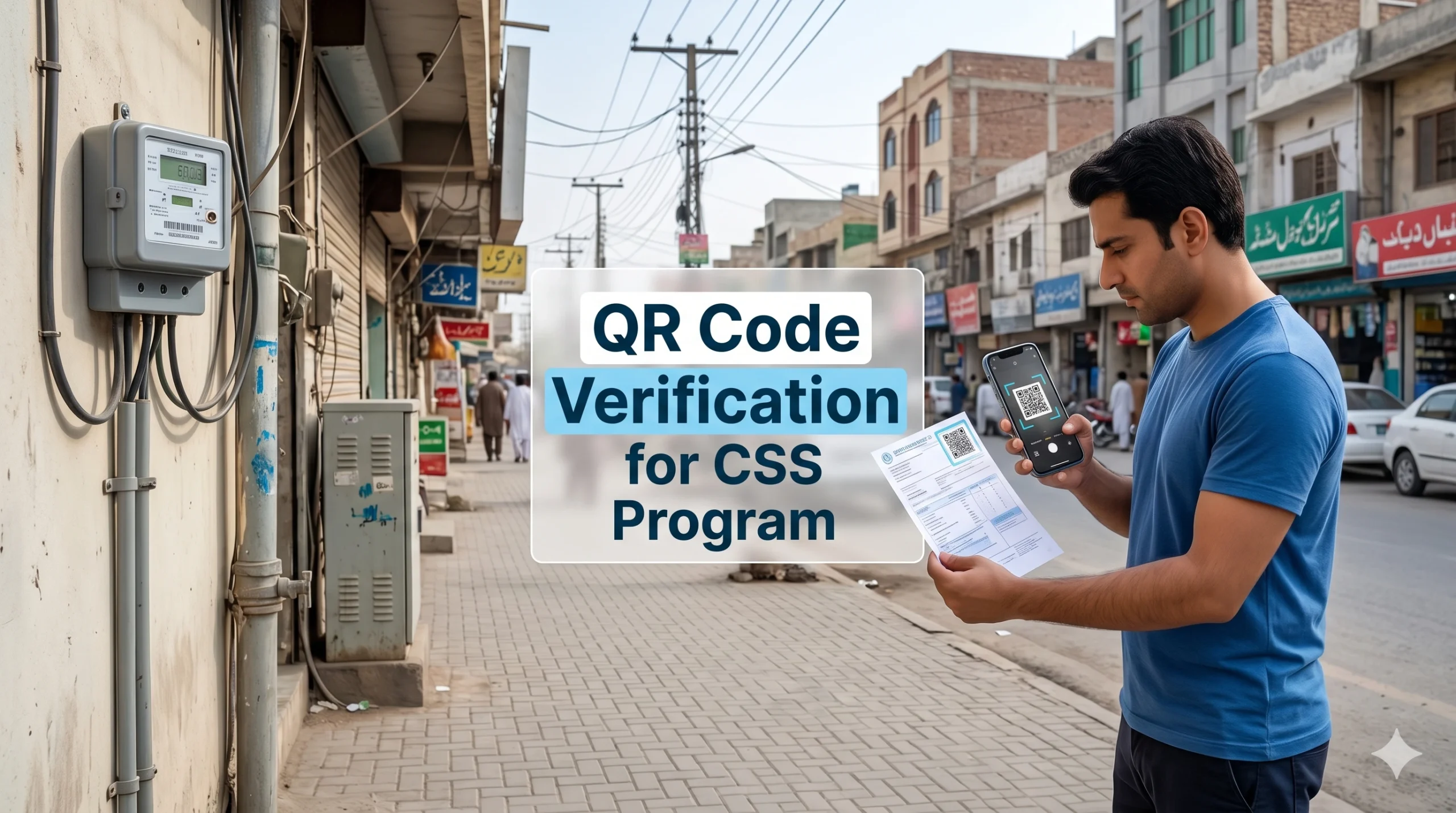
How to Complete QR Code Verification for the Cross Subsidy Program
If you are worried about rising electricity costs, the government’s relief initiative might offer some peace of mind. However, keeping your subsidized electricity rates now requires a mandatory digital check. The government has introduced a brand new, mobile-friendly method to confirm your eligibility: the Cross Subsidy Program QR code verification.
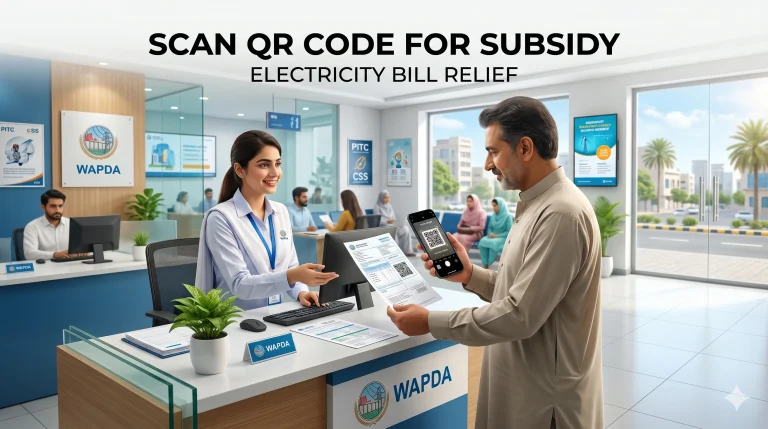
If you use less than 200 units of electricity a month and want to keep your per-unit costs low, you must complete this process. This article will guide you about how to scan QR Code for Electricity subsidy. To avail the Cross Subsidy program , verification of QR code is mandatory.
What Is css.pitc.com.pk QR Code Verification?
The Government created website css.pitc.com.pk to check your subsidy status. Instead of forcing citizens to type long, complicated web addresses or visit physical offices, the power division printed a square barcode known as a QR code directly on the electricity bills.
When you scan this small square with your smartphone camera, it instantly opens the correct, official web page. This online system acts as a digital bridge between your electricity provider and your welfare records.
Read Also: How to scan QR Code on Electricity Bill for Subsidy
How to Use css.pitc.com.pk QR Code Verification Full Guide
Follow the below steps to Scan / Verify QR Code for Bijli Subsidy.
Step 1: Find the QR Code Look at the front of your new electricity bill. Near the section showing your total amount due or reference number, you will see a black-and-white square box.
Step 2: Scan the Code Open the camera app on your smartphone and point it at the square. A small web link (URL) will pop up on your screen. Tap that link to securely enter the portal.
Step 3: Enter Your Details Once the website opens, it might automatically fill in your 14-digit bill reference number. Check to make sure it matches your bill. Next, carefully type in your 13-digit CNIC number without any dashes.
Step 4: Link Your Mobile Number Type in your active mobile phone number. Remember, the system will check if this mobile number is legally registered to the CNIC you just provided.
Step 5: Submit the OTP Within a few moments, you will receive an SMS containing a One-Time Password (OTP). Type this secret code into the website screen before the timer runs out and hit confirm.
Step 6: Check Your Status The screen will load and show your final status. It will clearly tell you if your subsidy is active for the upcoming billing cycles.
Find the QR Code
Look at the front of your new electricity bill. Near the section showing your total amount due or reference number, you will see a black-and-white square box.
Scan the Code
Open the camera app on your smartphone and point it at the square. A small web link (URL) will pop up on your screen. Tap that link to securely enter the portal.
Enter Your Details
Once the website opens, it might automatically fill in your 14-digit bill reference number. Check to make sure it matches your bill. Next, carefully type in your 13-digit CNIC number without any dashes.
Link Your Mobile Number
Type in your active mobile phone number. Remember, the system will check if this mobile number is legally registered to the CNIC you just provided.
Submit the OTP
Within a few moments, you will receive an SMS containing a One-Time Password (OTP). Type this secret code into the website screen before the timer runs out and hit confirm.
Check Your Status
The screen will load and show your final status. It will clearly tell you if your subsidy is active for the upcoming billing cycles.
Who Need QR Code Verification?
Just using under 200 units is no longer the only rule. To actually qualify for the cheaper tariff, you must meet a few specific conditions:
- Usage: Your monthly electricity consumption must stay below the 200-unit mark consistently.
- Tariff Type: Your meter must be registered for residential use, not commercial.
- Welfare Match: Your family’s data should match the poverty score records in the BISP or NSER databases.
- One Per Person: Only one subsidized meter is allowed per CNIC.
If you have a QR code printed on your latest bill, you need to verify your status.
Why QR Code Verification Matters for Electricity Consumers
Moving to a digital scanning method is a huge relief for ordinary citizens. Here is why this new update is so beneficial:
- No Office Visits: You can complete the whole process while sitting in your living room.
- Zero Typing Errors: A 14-digit reference number is easy to type incorrectly. Scanning does the hard work for you.
- Instant Access: It takes only seconds to load the right page, saving you time.
- Elderly Friendly: Family members can easily scan the bill for older relatives who might struggle with manual data entry.
Application Process for Cross Subsidy Program
Before you grab your phone to start, make sure you have a few essential things ready in front of you. Preparation will make the process smooth and stop the portal from timing out.
- Your newest electricity bill (with a clear, unwrinkled QR code).
- Your original CNIC card.
- A mobile phone with an active SIM card.
- Important Note: The SIM card inside your phone must be registered under the exact same CNIC number you are using to verify the bill.
Common Problems During QR Verification & Solution
Sometimes , you can face the following issues while scanning.
- The code won’t scan: If your printed bill is faded, torn, or you are in a dark room, your camera might fail. If this happens, simply open your browser and type css.pitc.com.pk manually to enter your details.
- Portal isn’t opening: Millions of people are trying to verify at the same time. If the page won’t load, the servers are likely busy. Wait an hour and try again.
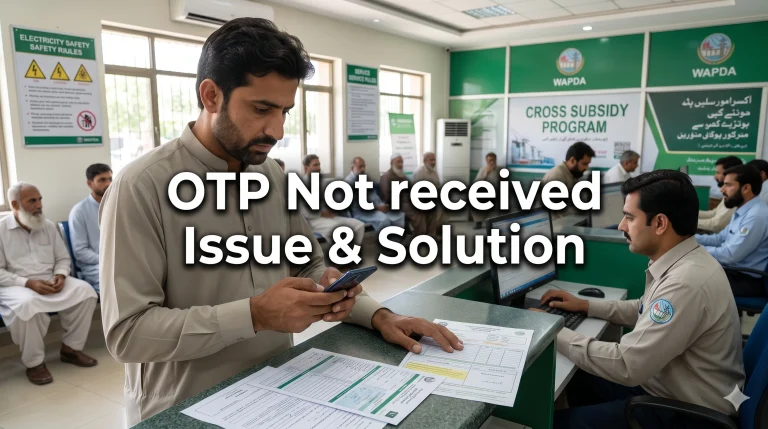
- OTP is not arriving: Check your mobile network signals. Also, double-check that your phone’s message inbox is not full.
Important Safety Tips for Users
Whenever a new government relief program launches, scammers try to take advantage of innocent people. Protect yourself by remembering these rules:
- The official verification process is 100% free. Never pay a shopkeeper or an online agent to “approve” your subsidy.
- Only scan the code on your physical bill. Do not click on random WhatsApp links claiming to offer electricity relief.
- Keep your OTP secret. Government officials will never call you to ask for your verification code.
Why QR Code Option Introduced?
In the past, the government noticed a major flaw in how electricity relief was being distributed. To avoid crossing the 200-unit limit, some property owners installed multiple meters in a single house. This meant that the financial relief was going to people who did not genuinely need it.
To fix this, the authorities are now linking electricity meters directly to the national database. By requiring digital verification, the government ensures that only deserving, low-income households receive the subsidy, strictly limiting the benefit to one meter per National Identity Card (CNIC).
Conclusion
The css.pitc.com.pk QR Code verification is a simple, highly effective tool designed to keep your household expenses manageable. Since the process only takes two to three minutes, there is no reason to delay. Grab your bill, scan the code today, and secure your Cross Subsidy Program benefits before the deadline passes. Ensure your details are accurate, stay safe from online scams, and enjoy your continued electricity relief.
Frequently Asked Questions FAQ’s
Do I have to visit the electricity office if the scan fails?
No. If the scan fails, you can directly search for the portal on Google and type your reference number manually. Office visits are not required for this specific digital verification.
What happens if I don’t verify?
If you fail to verify your details, you will lose the financial relief. Your billing rate could jump from the subsidized rate of Rs17-20 per unit to the standard rate of Rs38-40 per unit.
Can I use my friend’s phone number for the OTP?
No. The mobile number must be legally registered on the exact same CNIC that is printed on or linked to the electricity bill.
Kiss Tara apply HOTA ha electric city
ma